Remove Liquidity
On this page you will find a step-by-step guide for removing liquidity from Hydration pools.
Before proceeding, you may want to read this guide to learn how to provide liquidity and earn fees and rewards.
Step 1: Access Your Positions
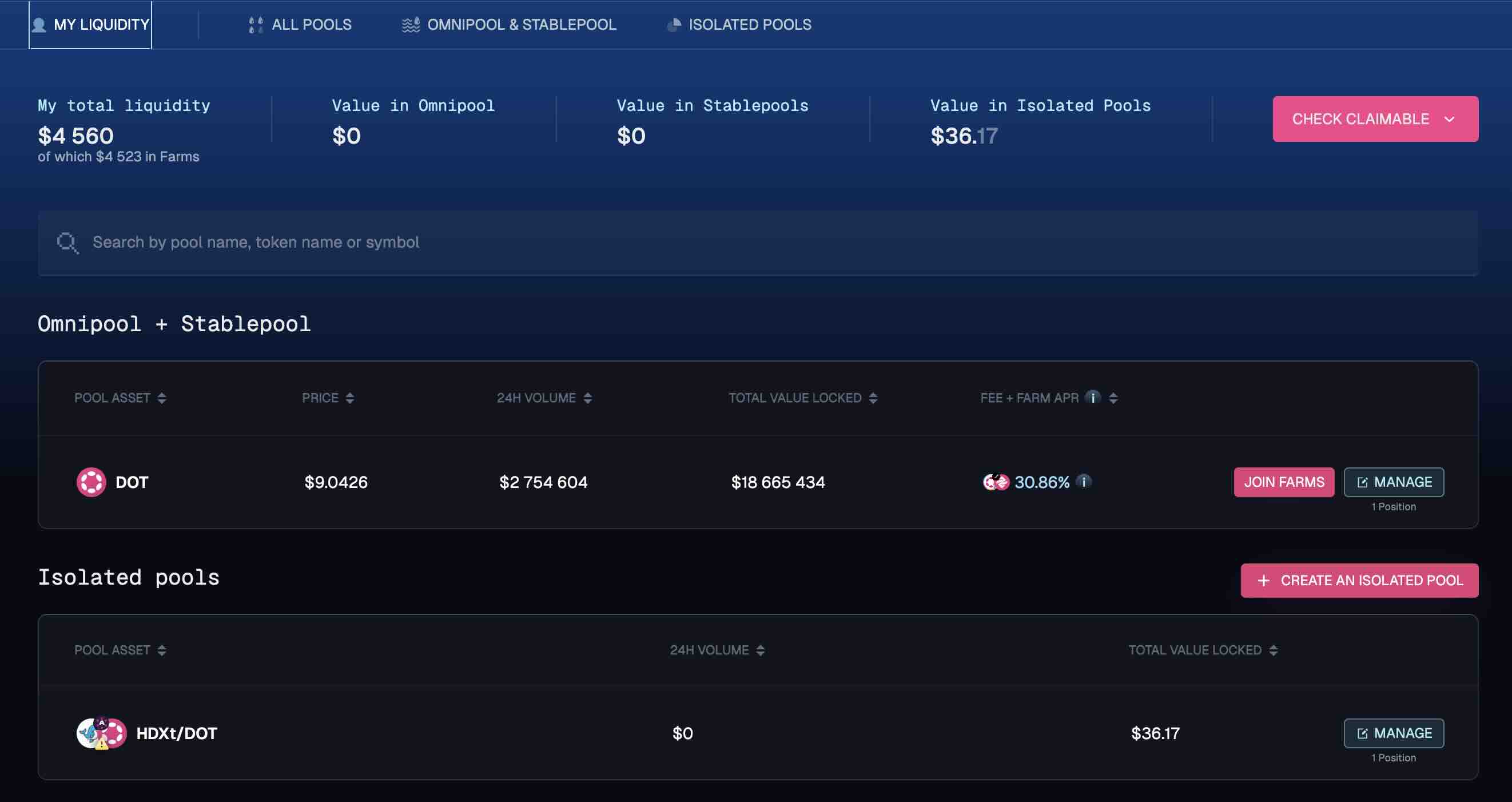
Navigate to the Liquidity and click My Positions to view your active positions.
Step 2: Select Position
Find your token and click Manage.
Step 3: Exit Farm
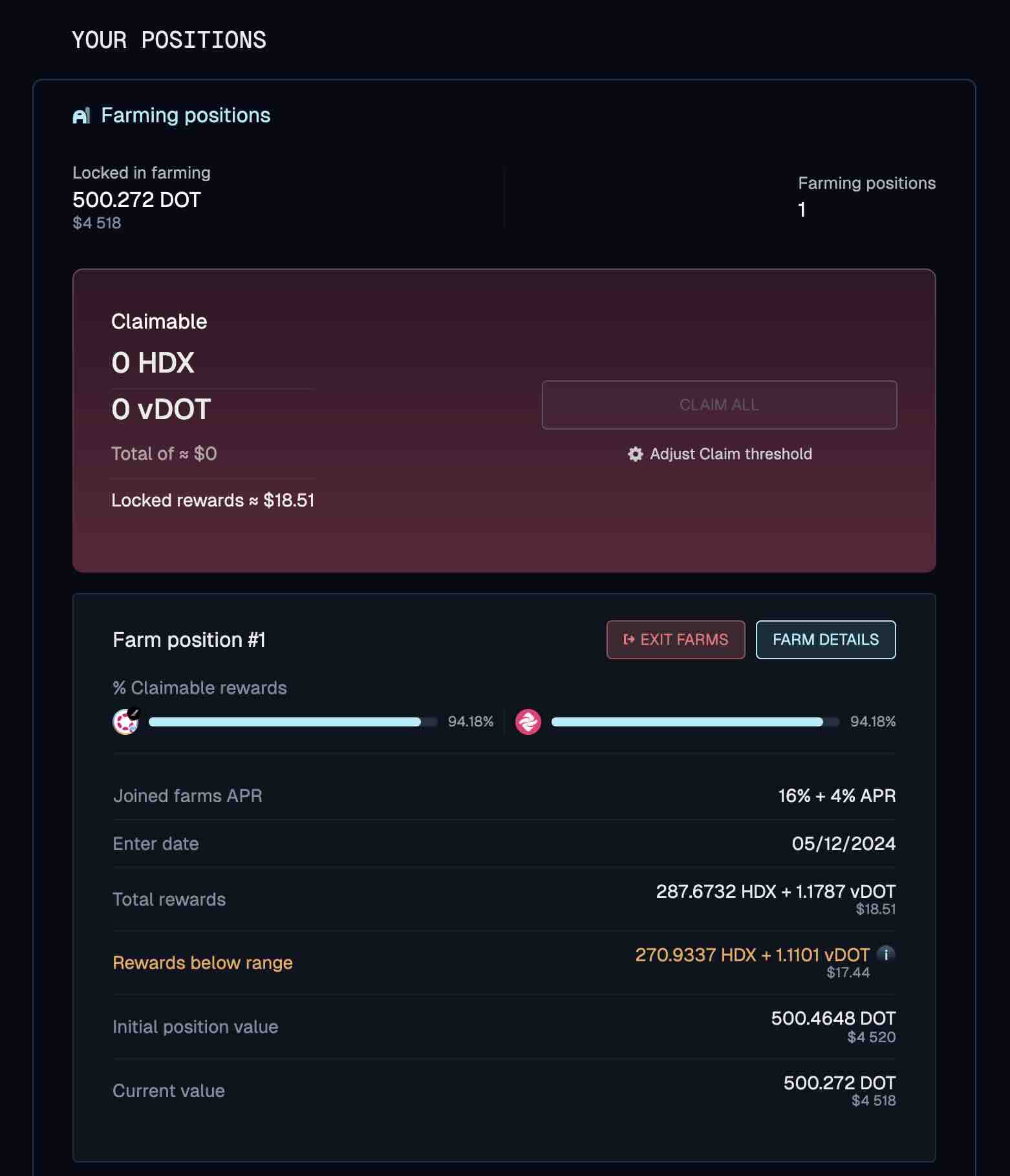
- Click Exit Farm to stop earning farming rewards.
- Sign the required transactions through your wallet.
- Wait for transaction confirmation.
Step 4: Remove Liquidity
- Click Remove Liquidity to withdraw your tokens.
- Sign the transaction through your wallet.
- Wait for confirmation of your withdrawal.